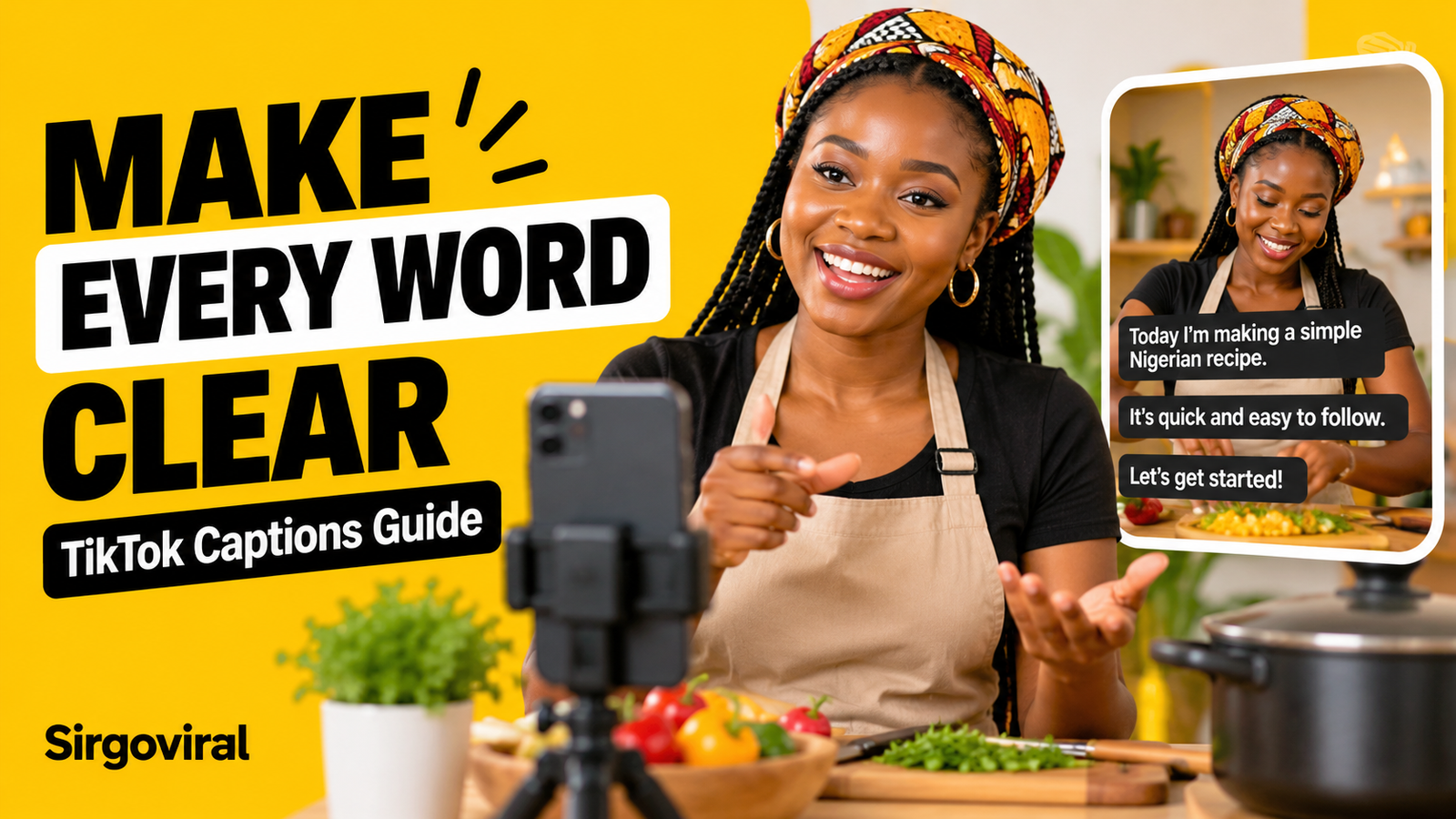
How to Add and Fix TikTok Auto Captions in Nigeria
To add TikTok captions in Nigeria, open the TikTok app, record or upload a video, and look for the Captions tool on the editing screen. Let TikTok transcribe the speech, correct any mistakes, and check that the words are readable before posting. Some eligible videos can also receive automatically generated captions after publication. Feature availability varies by account, language and app version. Captions make spoken content easier to follow, but they do not guarantee extra views or a place on the For You feed.
What are TikTok captions, and why should Nigerian creators use them?
In this guide, captions means the words displayed on a video to represent speech. They are different from the written description beneath a TikTok post, which some creators also call a caption. If a food creator says, “Add the onions after the oil is hot,” a video subtitle should communicate that instruction accurately.
Captions help people who are deaf or hard of hearing follow spoken content. They can also help viewers who cannot listen to audio at a particular moment. The accessibility organisation RNID provides guidance on creating and displaying TikTok captions. Accurate words are especially important when a video teaches a recipe, explains a price, gives directions or shares a safety instruction.
Understand the three types of text on a TikTok video
| Text type | What it does | What to check |
|---|---|---|
| Creator captions | Subtitles generated or edited in the video composer, where available. | Words, timing, contrast and placement. |
| Auto-generated captions | A caption track TikTok may generate for an eligible published video. | Selected language and transcription accuracy. |
| Ordinary text overlay | Text added for a title, label or explanation; it may not follow speech. | Whether it covers faces or subtitles. |
Step 1: Record speech that is easy to transcribe
Before opening the caption tool, make the audio as clear as your setup allows. Record away from loud generators, roadside traffic or music that competes with your voice. If you are filming in a shop, move the phone closer to the person speaking. You do not need expensive equipment to test whether the speech is understandable.
Step 2: Add creator captions in the TikTok app
- Open TikTok and tap the + button to create a post.
- Record or upload your video, then continue to the editing or preview screen.
- Look for Captions in the editing tools. The position may differ by device or app version.
- If prompted, allow the feature to transcribe speech. Wait for the caption lines to appear.
- Read each line while listening to the video. Correct the words, punctuation and breaks where the editor allows.
- Adjust the style and position, preview the result, and save the captions before completing your post.
RNID's guide, updated 16 June 2026, describes mobile editing, correcting lines and repositioning subtitles. If the tool is missing, do not assume the feature is available to every account. Check your current app, language settings and TikTok's accessibility help page.
Step 3: Check auto-generated captions on eligible posts
TikTok has also described automatically generated captions that use speech recognition. Its official accessibility announcement explains the feature and the ability to correct caption text. TikTok's help materials describe selecting a video language when the option is available, then reviewing eligible posts after publication.
Because the exact controls change, use the options shown on your own video. If you can tap the displayed captions and find Edit captions, correct errors and save. Do not assume that every caption track can be edited after posting, or that every video receives automatic captions. Review creator captions before publishing whenever possible.
Step 4: Correct Nigerian names, locations and mixed-language speech
Automatic transcription is a draft, not a final proofread. A creator might mention Surulere, Abeokuta, Enugu, egusi or a customer's product name. Check that the text reflects what was actually said. For a video that switches between English and another language, do not assume the tool supports every language or accurately translates it.
Use the speaker's intended wording where you can verify it. If a phrase is in Pidgin, Yoruba, Igbo or Hausa, consider a clear, faithful subtitle that serves the intended audience. If you add an English explanation, make it obvious that it is a translation rather than pretending it is a word-for-word transcription.
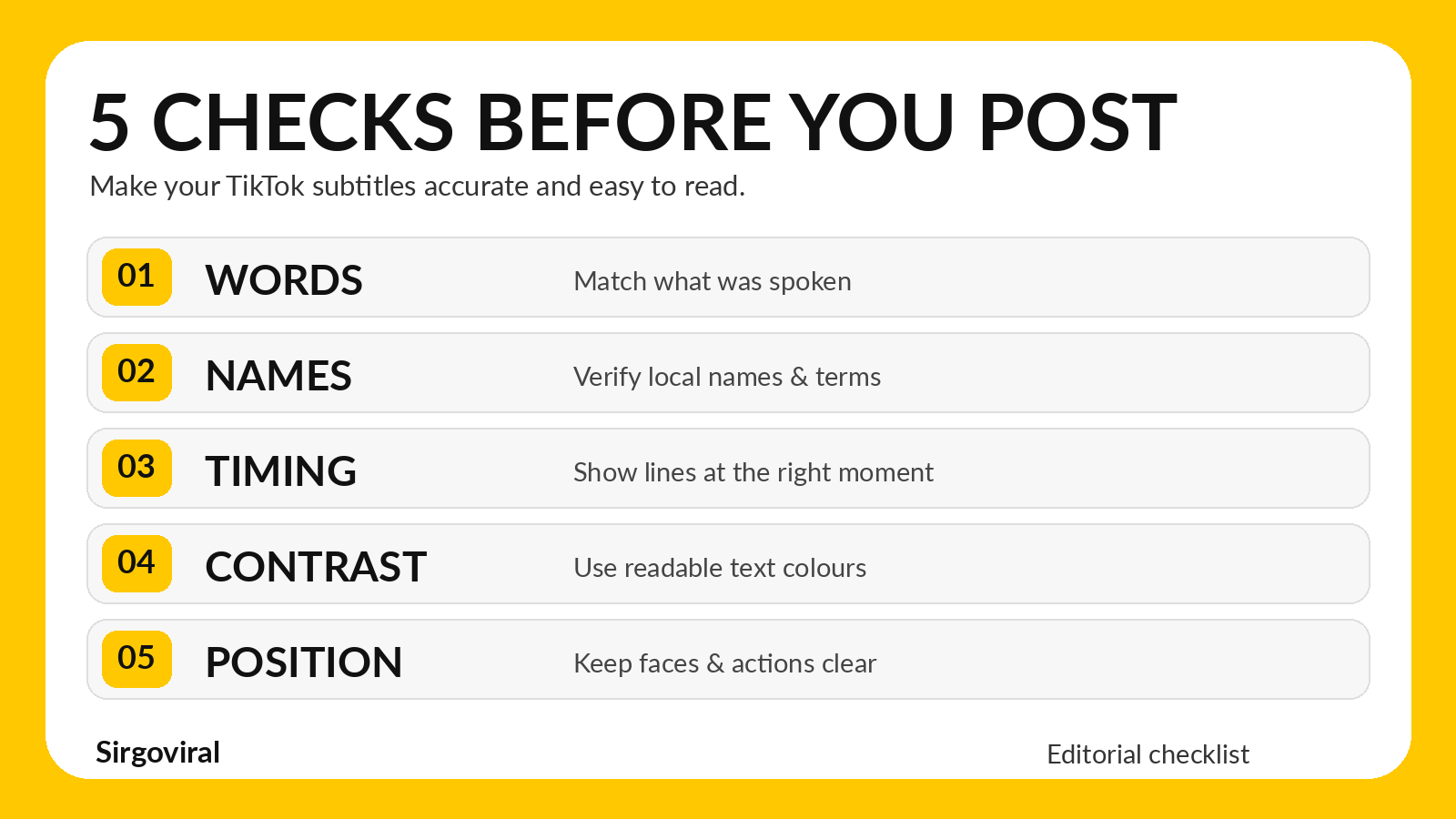
Pay extra attention to amounts, measurements and instructions. A cooking video that says “one teaspoon” must not display “one tablespoon.” A business video should not display an incorrect price, address or delivery condition. Pause the video at each important statement and check the text against the original recording.
Step 5: Make captions readable on a small phone screen
Good captions are not simply accurate; viewers must be able to read them. Use strong contrast between the text and the background. Keep lines short enough to scan while the video plays, and avoid placing them behind TikTok's on-screen controls. Preview your video on a phone rather than judging it only on a large editing screen.
If the creator's face or hands are important to the explanation, move the captions away from them where possible. Do not crowd the same area with subtitles, animated stickers, a logo and a call to action. RNID specifically recommends checking contrast and ensuring captions do not obscure a speaker's lips.
Step 6: Check the result as a viewer
Once your video is published, open it as a viewer would. Confirm that the text matches the speech and is not cut off by buttons or interface labels. If a separate caption track is available, a viewer may be able to turn it on or off. RNID's June 2026 guide describes a Captions and translations control accessed by long-pressing a video, but that menu is not guaranteed to appear on every device or video.
What to do if TikTok captions are not showing
- Check for spoken audio. Automatic speech captions require usable speech; a silent montage may not produce a transcript.
- Check the editing screen. The Captions tool may be in a different menu on your app version.
- Check the language. Where TikTok offers a video-language selection, choose the language that matches the speech.
- Check the post itself. Some videos are not eligible for automatically generated captions.
- Check viewer controls. The viewer may have hidden an available caption track.
- Use a careful fallback. If the native tool is unavailable, prepare readable subtitles in a video editor you already use, then preview the exported video before uploading.
Examples for Nigerian creator niches
| Creator | Caption detail to check | Why it matters |
|---|---|---|
| Food creator | Ingredient names, quantities and cooking steps. | A wrong measurement changes the recipe. |
| Fashion seller | Sizes, colours, prices and availability statements. | Viewers should not be misled by an incorrect amount. |
| Comedy creator | Who is speaking, punchlines and local expressions. | Timing and meaning affect the joke. |
| Tech educator | App names, menu labels and technical terms. | Viewers need instructions they can follow. |
| Music creator | Song titles, names and authorised lyric excerpts. | Credits and wording should be accurate. |
Common captioning mistakes to avoid
- Publishing the first transcription: speech recognition can mishear names, numbers and local expressions.
- Using tiny decorative text: readable subtitles matter more than elaborate fonts.
- Covering the action: captions should not hide a product demonstration or cooking step.
- Confusing captions with the post description: a descriptive post caption does not transcribe the spoken video.
- Assuming every language is supported: check what your current app can actually transcribe.
- Claiming captions guarantee reach: accessibility and clarity are worthwhile even without a measurable increase in views.
How this fits with Sirgoviral and responsible promotion
Captions improve the clarity and accessibility of your own content. They are an organic publishing practice, not an SMM panel service. Paid engagement, where offered, is separate from real viewer interest and cannot guarantee recommendations, virality, sales or monetisation.
If you are separately researching promotion options, you can review Sirgoviral's live service catalogue and read the current descriptions, requirements and relevant platform rules before deciding whether any service is appropriate. New users can create a Sirgoviral account to explore the dashboard. Do not substitute purchased engagement for accurate subtitles, useful videos or authentic audience relationships.
Frequently asked questions
Can TikTok generate captions automatically?
Yes, TikTok documents automatic captions for eligible videos, but availability depends on the video, language and app context. Always check the result rather than assuming every post will be captioned.
Can I edit mistakes in TikTok subtitles?
Creator captions can be reviewed and corrected in the editing workflow where the tool is available. Some auto-generated captions also offer an edit option after posting, but do not assume every account or video supports the same controls.
Are video captions the same as the TikTok description?
No. Video captions represent speech on screen. The description is the text associated with the post, which may include context and hashtags.
What if the automatic captions mishear a Nigerian place name?
Listen to the original audio, confirm the spelling and correct the text using the available editor. Never guess a name or change the meaning just to make the sentence look neat.
Will subtitles make my TikTok go viral?
No. Captions can make spoken content more accessible and easier to follow, but they do not guarantee reach, For You placement, followers or sales.