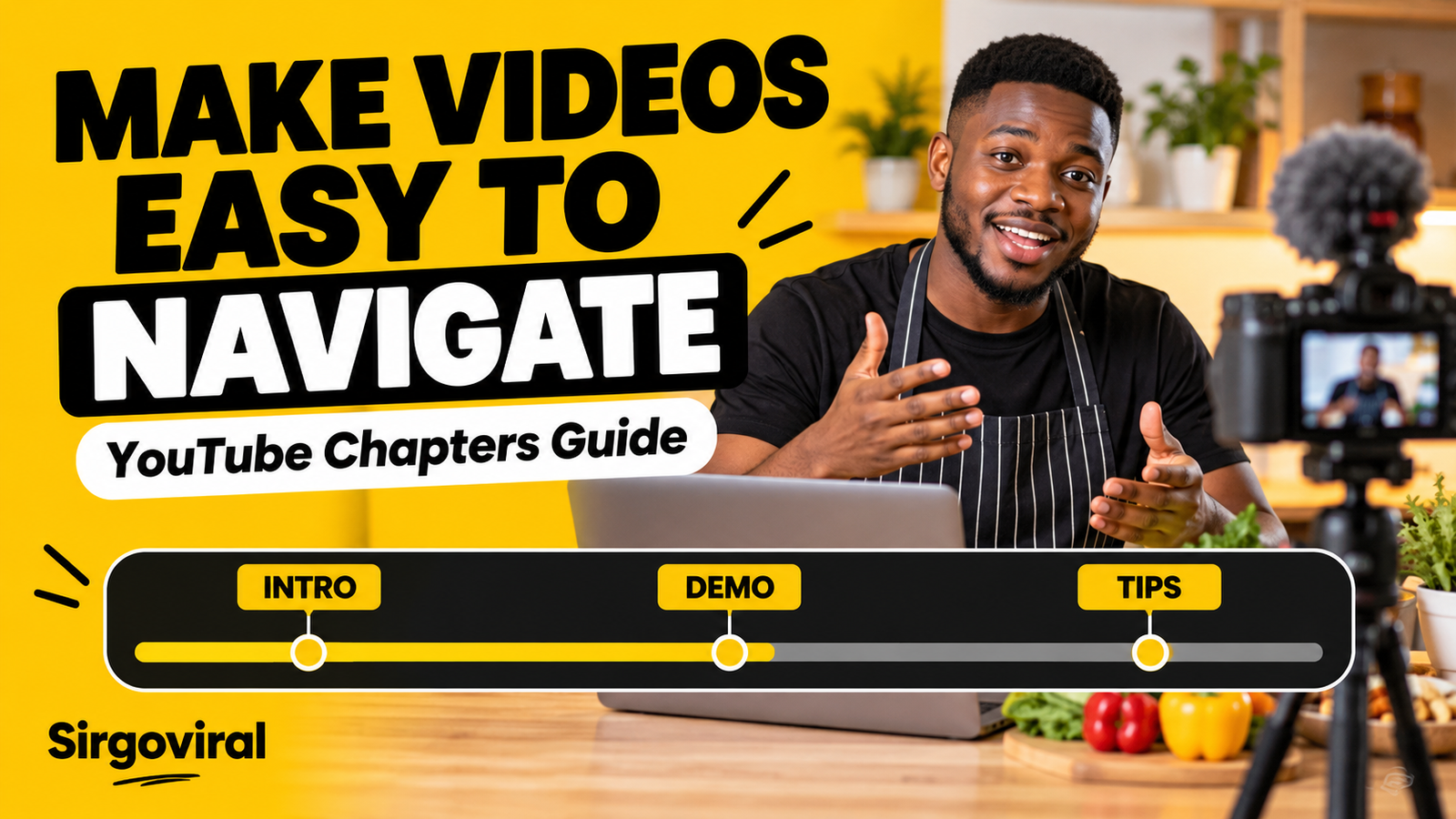
How to Add YouTube Chapters with Timestamps in Nigeria
To add YouTube chapters to a video, open YouTube Studio, select the video, and put a list of timestamps and section titles in its description. Start at 00:00, include at least three timestamps in increasing order, and make every chapter at least 10 seconds long. Save the description and check the video player. Chapters help viewers move between sections of a longer video, but they do not guarantee more views, watch time or search rankings.
What are YouTube video chapters?
Chapters divide a video into named sections. A viewer can use the progress bar or chapter list to jump to a useful moment, such as ingredients in a cooking lesson or camera settings in a phone tutorial. YouTube says chapters add context and make it easier to rewatch specific portions. They can be entered manually or generated automatically on eligible videos. The chapter feature is different from an end screen, which suggests another action during the final seconds of a video.
For a Nigerian creator making a detailed tutorial, chapters are most useful when the video naturally has distinct parts. They are not necessary for every upload. A 45-second clip with one continuous point usually needs a clear title and good editing more than a chapter list.
Check the official chapter requirements first
According to YouTube's video chapters help page, manual chapters must meet three formatting rules:
- The first timestamp must begin at 00:00.
- There must be at least three timestamps, listed in ascending order.
- Each chapter must last at least 10 seconds.
YouTube also says that creators without chapter access may need to unlock advanced features. Check your access in YouTube Studio under Settings, Channel and Feature eligibility. Channel eligibility and content restrictions can prevent chapters from appearing even when the timestamp format looks correct. Do not assume that simply adding a timestamp list guarantees a visible chapter bar.
Step 1: Divide your video into useful sections
Watch the finished video and write down where each new topic actually begins. Choose sections that answer real viewer questions, not arbitrary intervals. A food creator might divide a jollof rice tutorial into ingredients, preparation, cooking and serving. A Nigerian gadget reviewer might use design, battery, camera and verdict.
Use the time shown by the video player, not the position of a clip in your editing project. If you cut 20 seconds from the introduction after writing your timestamps, every later chapter may be wrong. Finalise the edit first, then check the exact starting seconds.
Step 2: Add timestamps in YouTube Studio
- Sign in to YouTube Studio on a desktop browser.
- Choose Content from the menu and open the video you want to edit.
- Find the Description field in the video's details.
- Enter your chapter timestamps and descriptive titles, one per line, beginning at 00:00.
- Check that the times increase and that no chapter is shorter than 10 seconds.
- Select Save, open the watch page and test the chapter navigation.
You can add manual chapters to an existing upload; you do not need to upload the video again. The exact placement of controls can change, so consult YouTube's current help page if the interface differs.
A copyable YouTube chapters example
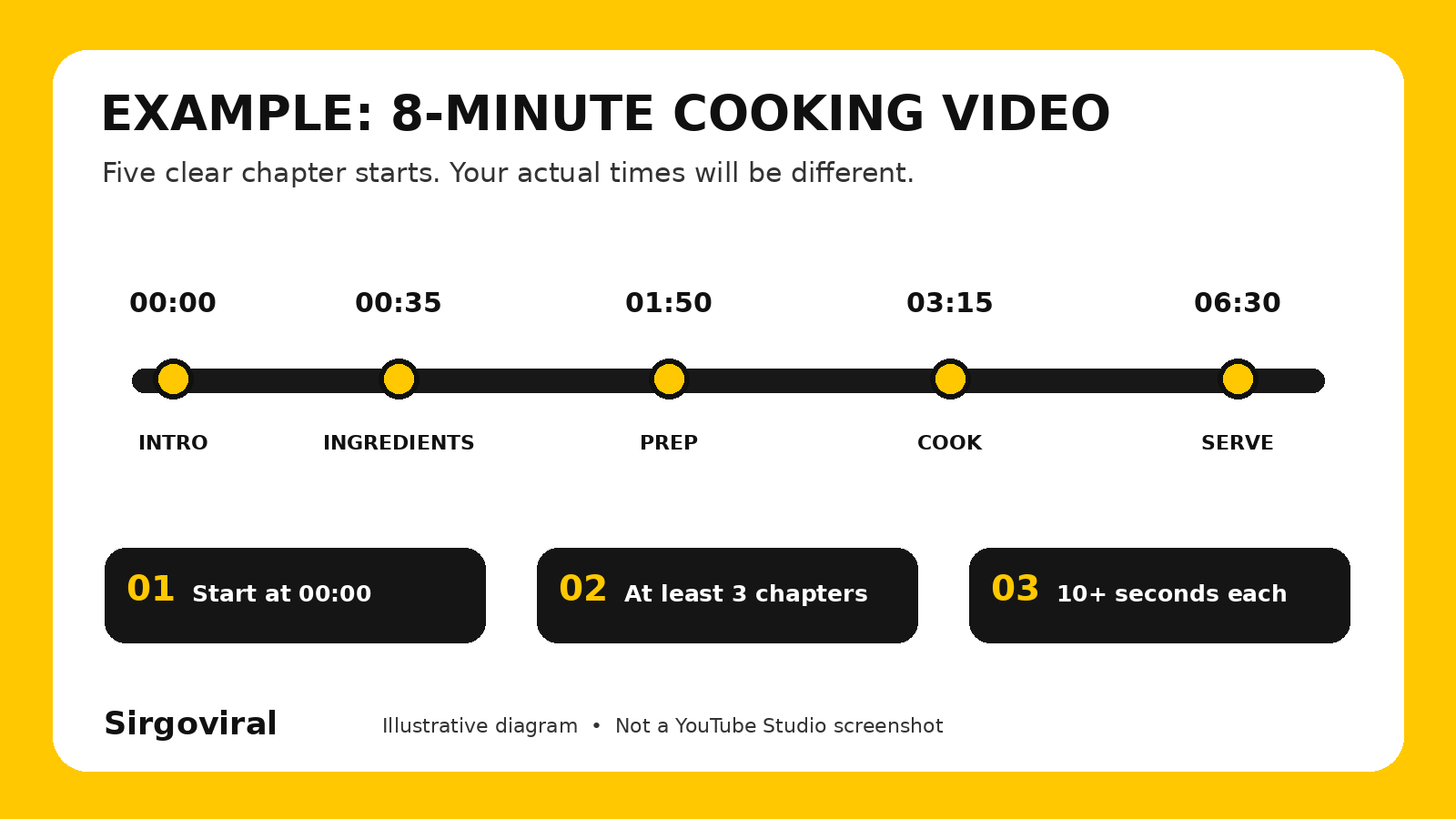
Imagine an eight-minute cooking tutorial with clear transitions. The following is an illustrative example only; adjust every timestamp to match the footage in your own video:
00:00 What we are cooking
00:35 Ingredients and quantities
01:50 Preparing the ingredients
03:15 Cooking the rice
06:30 Serving and storage tips
The first chapter runs for 35 seconds, and the remaining sections also exceed the minimum length in this example. Do not copy these times into a different video. If your video ends before the last listed timestamp, or if the next timestamp begins less than 10 seconds after the previous one, revise the list.
Step 3: Write chapter titles that describe the footage
A useful chapter title tells the viewer what they will find. Avoid vague labels such as “Part 2” when a specific name would be clearer. Keep titles short enough to scan and use the same terms you say in the video. Natural language is more helpful than repeating the video's main keyword in every line.
| Unclear title | Clearer alternative | Reason |
|---|---|---|
| Part One | Ingredients and quantities | Explains what the section contains. |
| Important stuff | How to check the battery | Names a concrete viewer task. |
| More tips | Common mistakes to avoid | Sets a useful expectation. |
| Final part | Final review and verdict | Signals the conclusion clearly. |
For local topics, spell names and terms accurately. A chapter about egusi, suya or a location in Abuja should use the correct word. Do not add unrelated trending phrases to chapter names just to attract clicks.
Manual chapters versus automatic chapters
Manual chapters use the timestamps and titles you write. You control where sections begin and what they are called. YouTube says manual chapters override automatically generated chapters on that video.
Automatic chapters are an optional YouTube feature for eligible uploads. In Studio, open the video's details, select Show more, and look for Allow automatic chapters. The setting is normally enabled by default for new uploads, according to YouTube's documentation. However, not every video is eligible, and not every eligible video receives automatic chapters. A creator can turn the option off for a particular video or in upload defaults.
For a carefully structured tutorial, manual chapters may be more precise because you can verify the exact topic changes yourself. For a casual conversation, automatic chapters may be worth reviewing if they appear. Neither option guarantees a performance improvement.
Why YouTube chapters might not show
If your description contains timestamps but the player has no chapter divisions, check the following in order:
- Start time: the first timestamp must be 00:00, not 00:01.
- Count: include at least three timestamps, each with a title.
- Order and length: timestamps must increase, and each section must last at least 10 seconds.
- Saved description: reopen Studio and confirm the latest text was saved.
- Feature access: inspect Settings, Channel, Feature eligibility for advanced feature access.
- Video or channel restrictions: YouTube notes that active strikes or certain inappropriate content can make chapters unavailable.
- Automatic eligibility: turning on automatic chapters does not mean YouTube will generate them for every upload.
Test the video on its watch page after saving. If a chapter title does not match what appears at that moment, correct the time in the description. Avoid deleting and reuploading a video simply because chapters are not showing; review the settings and official requirements first.
Should you add chapters to every video?
No. Add them where viewers genuinely benefit from navigation. Longer lessons, interviews, reviews, webinars and demonstrations often contain distinct sections. A short video that makes one point may not need them. Do not stretch a short video or invent artificial topics just to meet the three-timestamp rule.
For a business tutorial, you could separate “What you need”, “How to do it” and “Troubleshooting”. For a music-production walkthrough, you might use “Recording”, “Editing”, “Mixing” and “Export”. Each title should correspond to actual footage and begin at the correct second.
How to evaluate whether chapters help your viewers
Start with a practical quality check. Ask someone unfamiliar with the video to find one specific instruction using the chapter names. If they can locate it without guessing, your labels are doing their job. If they still have to scrub through the whole video, rename or reposition the chapters.
In YouTube Studio, review ordinary video analytics such as audience retention and viewer feedback over time, while remembering that changes can have many causes. Do not claim that chapters alone increased watch time or search traffic without evidence. Their first purpose is clearer navigation.
How chapters fit with Sirgoviral and promotion
Chapters are a free, organic video-organisation feature provided by YouTube. They do not create views or subscribers. Paid social media promotion is separate and cannot substitute for helpful content or authentic viewer interest. YouTube's fake engagement policy prohibits artificially increasing views, likes or subscribers through third-party methods.
If you are researching social media marketing for other channels or business goals, you can review the current Sirgoviral service catalogue and create a Sirgoviral account to explore available options. Read each service's conditions and the rules of the relevant platform before making any decision. Do not use a service that violates YouTube's engagement policies, and do not expect paid engagement to guarantee recommendations, monetisation or sales.
Frequently asked questions
How many timestamps do I need for YouTube chapters?
At least three, beginning at 00:00 and increasing in order. Every chapter must be at least 10 seconds long.
Can I add chapters after publishing a video?
Yes. Open the existing video in YouTube Studio, update its description with valid timestamps and titles, then save.
Do manual chapters replace automatic chapters?
Yes. YouTube states that chapters entered manually in the description override automatic chapters for that video.
Why are my YouTube timestamps not turning into chapters?
Check the 00:00 start, minimum of three timestamps, ascending order, ten-second chapter lengths and your channel's advanced feature eligibility. Content restrictions can also affect availability.
Are chapters the same as YouTube end screens?
No. Chapters divide a video into navigable sections. End screens appear near the end of eligible videos and can suggest other content or actions.
Will YouTube chapters make my video rank higher?
There is no guaranteed ranking benefit. Chapters can make a video easier to navigate, but rankings and viewing outcomes depend on many factors beyond the chapter list.